
Ergonomic Keyboard & Mouse Combos That Actually Help (2026)
If your wrists ache, your fingers tingle, or your forearms feel tight after a long day of typing, switching to an ergonomic keyboard and mouse is one of the most effective fixes available. Here are four keyboard-mouse pairings designed to put your hands in natural positions — with options from $60 to $250.
How Your Standard Keyboard and Mouse Are Hurting You
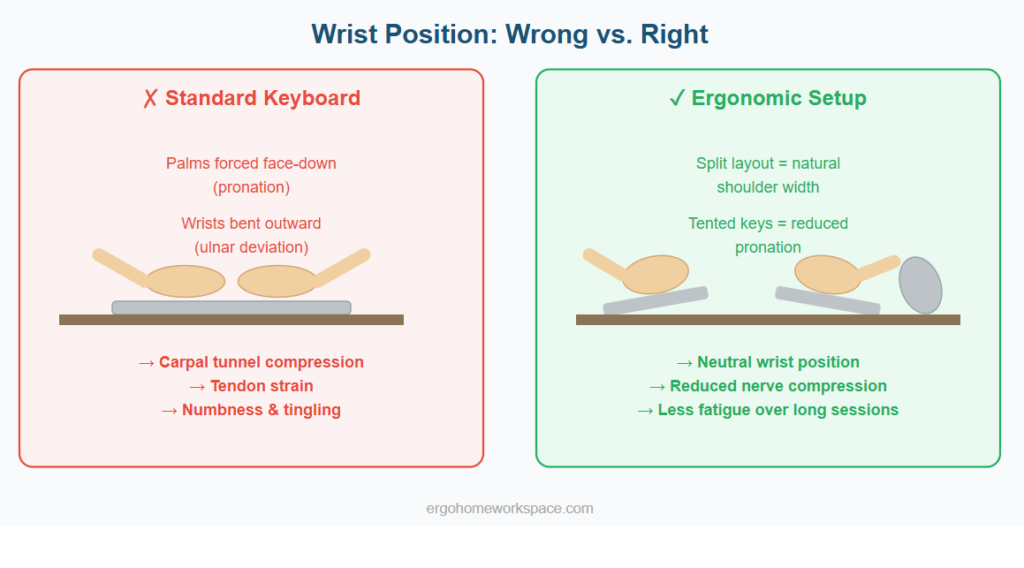
A standard flat keyboard forces your wrists into two unnatural positions simultaneously: pronation (palms facing down) and ulnar deviation (wrists angled outward toward your pinky fingers). Hold that position for 8 hours a day and you are compressing nerves, straining tendons, and setting the stage for carpal tunnel syndrome, tendonitis, or trigger finger.
The standard mouse is no better. It keeps your forearm in a fully pronated position — palm down, wrist twisted inward. This compresses the carpal tunnel from a different angle and strains the forearm muscles that control fine finger movements.
An ergonomic keyboard and mouse are designed to put your hands, wrists, and forearms in neutral positions — the positions your body naturally assumes when your arms hang relaxed at your sides. This is not a gimmick. The American Academy of Orthopaedic Surgeons recommends ergonomic input devices as a first-line intervention for repetitive strain symptoms.
Best Ergonomic Keyboard and Mouse Pairings
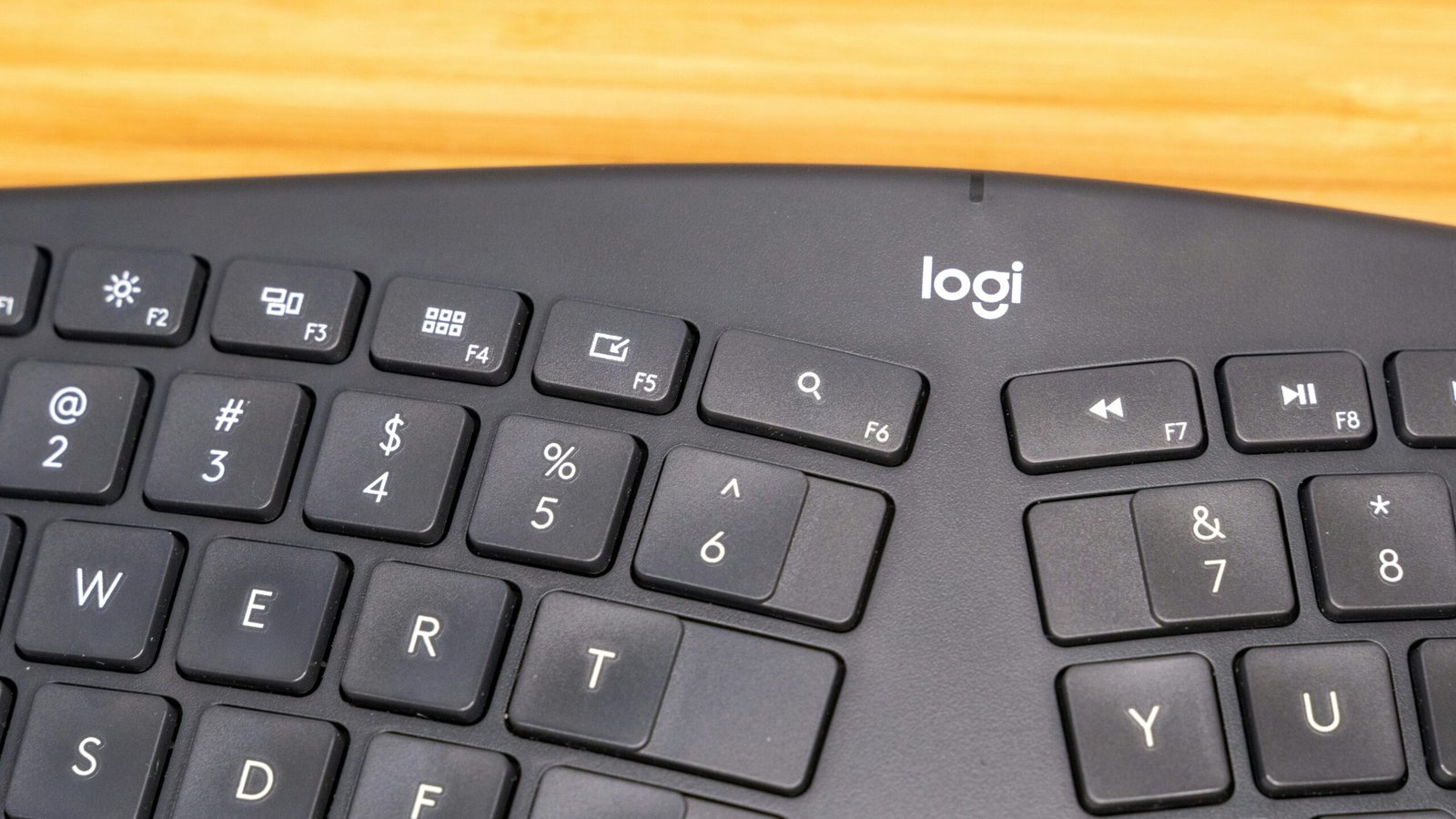
Combo 1: Logitech Ergo K860 + Logitech MX Vertical — around $210-270 total. This is the most popular ergonomic keyboard and mouse pairing for a reason. The K860 has a curved, split key layout with a built-in pillowed palm rest that reduces wrist bending by 25 percent. The MX Vertical puts your hand in a 57-degree handshake position that eliminates forearm pronation. Both connect via Bluetooth or the Logi Bolt receiver and work with Windows and Mac. Best for: most people making their first ergonomic switch.
Combo 2: Microsoft Sculpt Ergonomic Desktop — around $50-70. This all-in-one ergonomic keyboard and mouse package includes a split keyboard with a domed shape, a cushioned palm rest, and a contoured mouse. At this price, it is the best entry point for people who want to test ergonomic peripherals without a big investment. Best for: budget-conscious buyers.
Combo 3: Kinesis Freestyle2 + Anker Ergonomic Vertical Mouse — around $110-130 total. The Freestyle2 is a fully split keyboard — two separate halves connected by a cable — which lets you position each half independently for maximum shoulder and wrist comfort. Pair it with the Anker vertical mouse at around $20-25. Best for: people who want full control over keyboard positioning.
Combo 4: Logitech Wave Keys + Logitech Lift — around $120-150 total. The Wave Keys has a gentle wave-shaped key layout that is less aggressive than a full split keyboard, making it easier to transition from a standard layout. The Lift is a vertical mouse designed for smaller hands. Best for: people with smaller hands or those who want a gentler ergonomic transition.
Tips for Transitioning to an Ergonomic Keyboard and Mouse
Expect a one to two week adjustment period. Your typing speed will drop initially because the key positions are different on an ergonomic keyboard and mouse setup. This is normal and temporary — most people return to their original speed within two weeks.
Do not force marathon sessions during the transition. If your hands feel fatigued in a new way, switch back to your old keyboard for an hour and then return. Gradual exposure is better than powering through discomfort.
Position the keyboard so that your elbows are at your sides and your forearms are roughly parallel to the floor. The keyboard should be at or slightly below elbow height. If you find yourself reaching forward or upward to type, the keyboard is too far away or too high.
For the full workspace setup including chair, desk, and monitor positioning, read our Complete Ergonomic Home Office Setup Guide. If back pain is your main issue, start with Is Your Home Office Causing Back Pain?